How to report game content
Reporting content is a simple process. Follow the steps below:
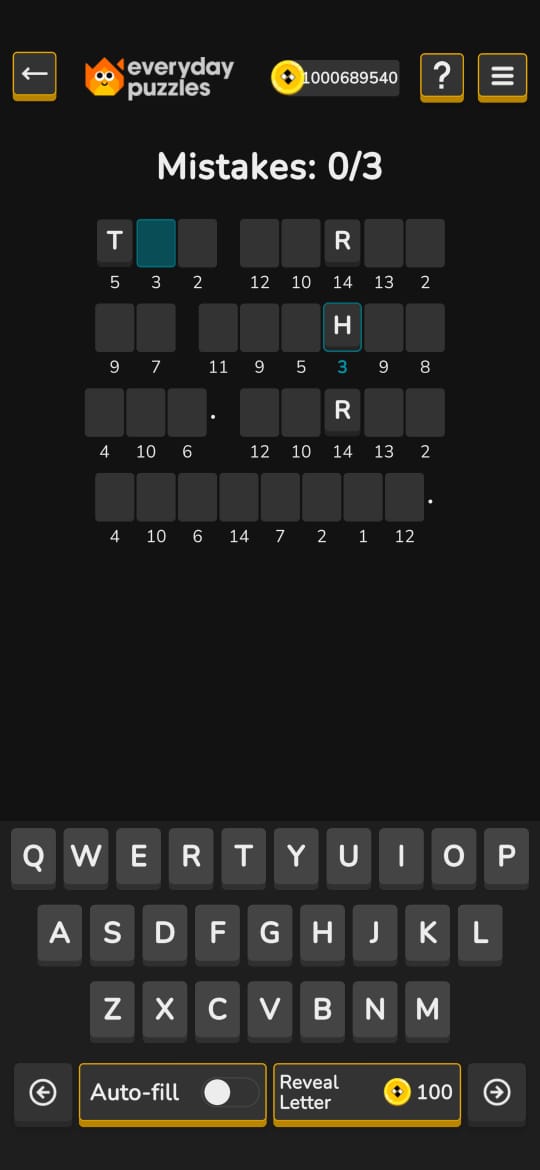
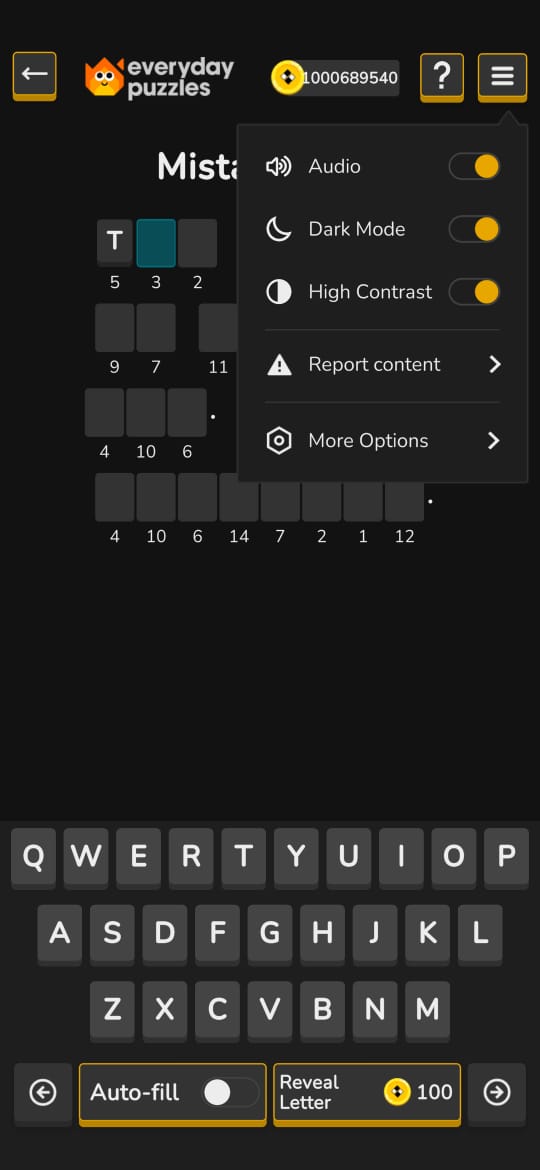
- In the top right corner of the puzzle's main screen, click the three horizontal bars icon (☰) to open the options menu.
- In the menu that opens, locate and click the "Report Content" option.
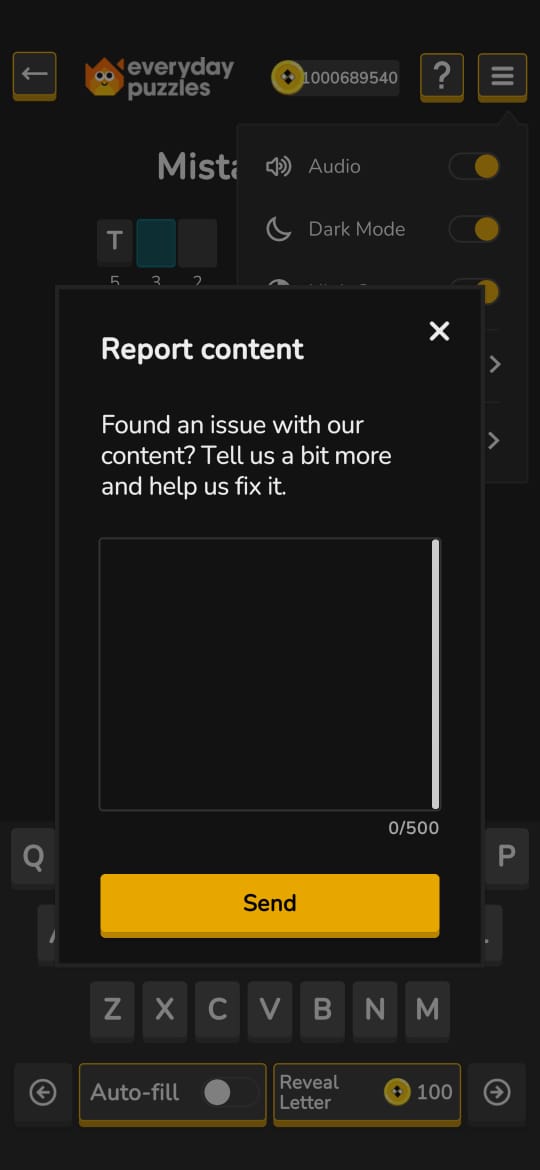
- A pop-up window will appear titled "Report Content."
In the text field, describe the issue you encountered in up to 500 characters. Be as clear and detailed as possible to help us understand and resolve the issue.
- After writing your description, click the "Send" button.
Reports help us maintain a safe, positive, and fair gaming environment for everyone. They are our primary tool for identifying and correcting issues related to game content. You should report any content that appears to be incorrect, offensive, or broken. This may include:
- Incorrect answers to questions.
- Typos or spelling mistakes.
- Nonexistent words or words that should be accepted in the game.
- Unclear or ambiguous questions.
- Overly regional words or questions.
- Offensive or sensitive content.
- Duplicate questions or answers (within 30 days).
- Outdated answers.
- Foreign words that are not acceptable.
- Errors in the game interface, buttons, tutorials, etc.
All reports are reviewed by our team. We investigate the situation and, if we confirm a problem, we'll make the necessary corrections in future game updates.
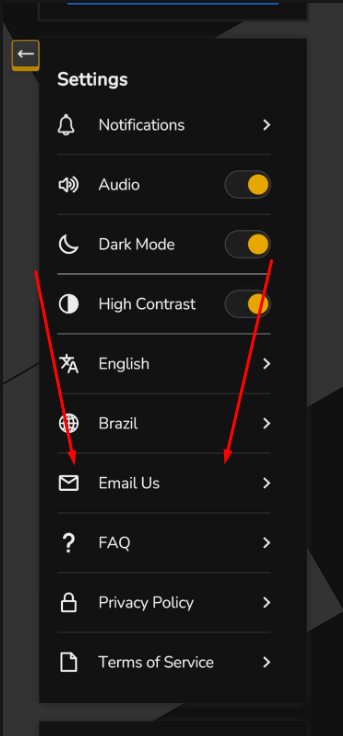
If you would like to provide more context, details, and receive a response from our team, you can also send us an email:
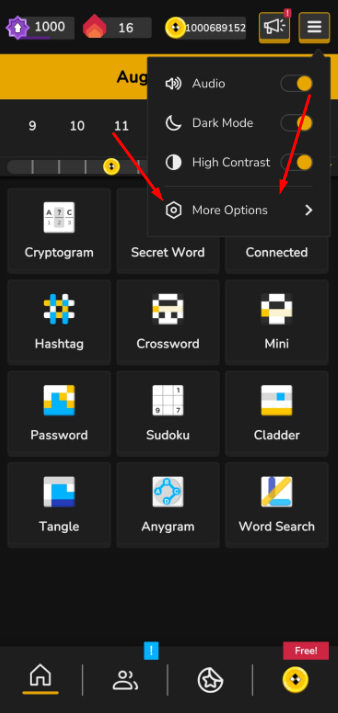
- Go to Settings.
-
Select Email Us and send your message with details about the content you want to report.
If, for any reason, the game doesn’t open or you can’t access it, you can send your report to ep@fanatee.com.
You can also discuss the content with other players in our community by making a post! https://www.facebook.com/groups/everydaypuzzles
We greatly appreciate your feedback! It’s essential to continue to improve the game’s quality and everyone’s experience.